Introducing CardReader
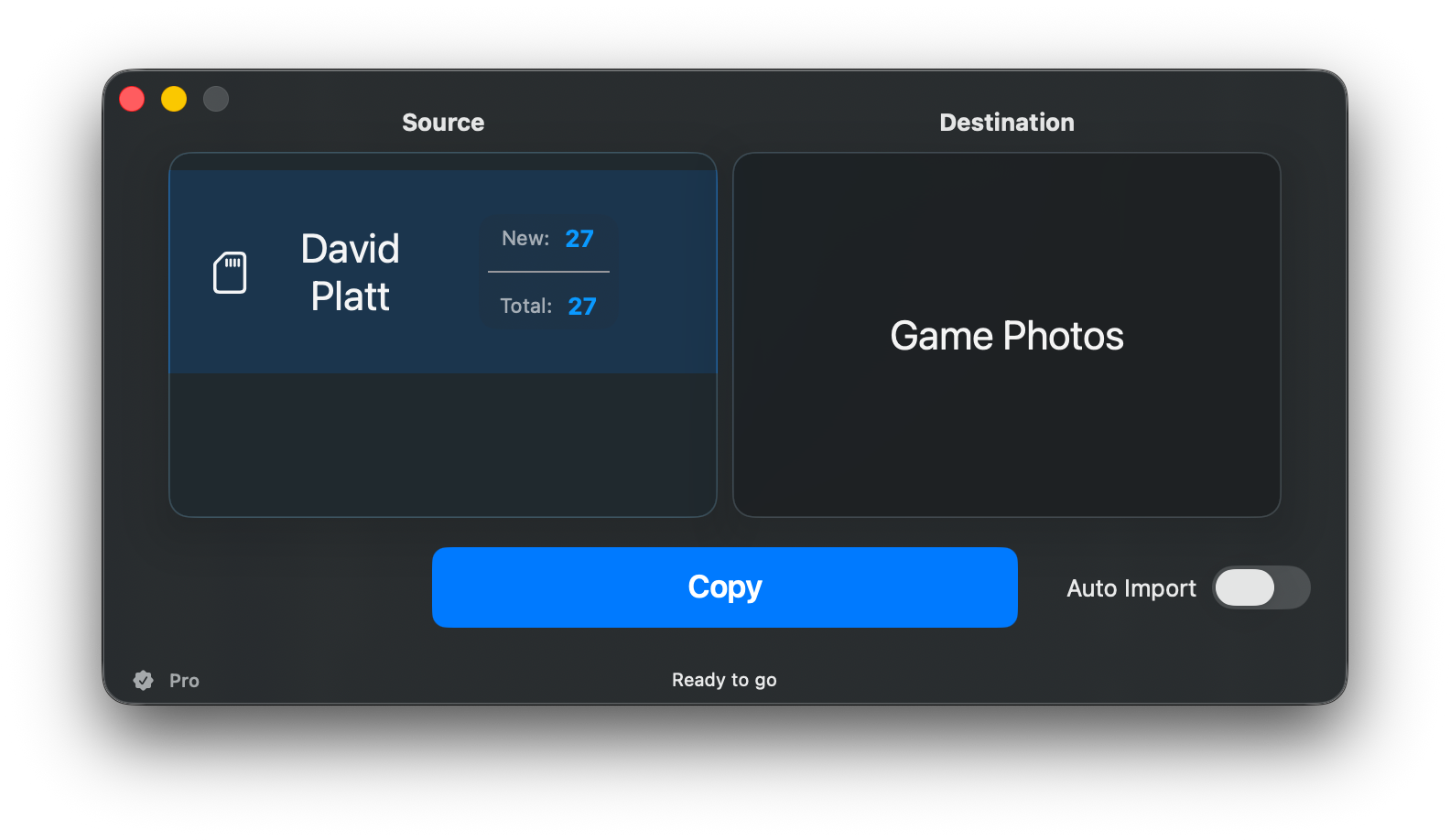
After nearly 15 seasons on the sideline of Clemson football, I’m releasing the Mac app I originally built to make my own postgame photo workflow faster.
You might know this, but I work with Clemson athletics and shoot football during the season. I'm preparing for my 15th season (and yes, counting those years and writing it out makes me feel old). For a few years I was even the lead photographer for Clemson athletics.
Sports and photography have both been a big part of my life and my story - in various ways, it's part of my identity, how I met my wife, what brought us back to Clemson when we were expecting our first child, and how a bunch of people know me. A common question when seeing folks for the first time in a long time is "are you still taking pictures on the sideline?"
Another big part of my identity is the way I am always looking for efficiencies, big or small. Over those years of shooting on the sideline, I was always looking for my “edge" - trying to get better images, be in the right spot, and make my process as smooth as possible. Well, combine that with my day job in software development, and I've been working on some tools to help me do what I do even better.
A few years ago I had an idea to make a Mac app that would ingest my rated images off my memory card to make my postgame workflow faster. It worked, but had a lot of rough edges. Then in 2024 I came out with CardRunner, an iPhone app to grab images off of a camera while on-the-go.
I’ve just released a brand new app, built from the ground up to realize the vision I had for the original Mac app.
CardReader is built for photographers (or photo runners or athletics departments!) who rate or protect images in-camera and want a faster way to get those selects off a memory card.
Connect a card → get just your rated or protected images, fast → send them where they need to go.
That’s the heart of it, with a lot of flexibility built in, grown from years of doing it the hard way.
CardReader is on the App Store today: platt.ing/cardreader — or grab it directly from the Mac App Store.
Have a look, and reach out if you have any questions, suggestions, or just want to nerd out over SwiftUI or photo workflows!